
Organize the players
Open registration and display the event QR or join code. Players add their names in a phone browser, with no player app to install.
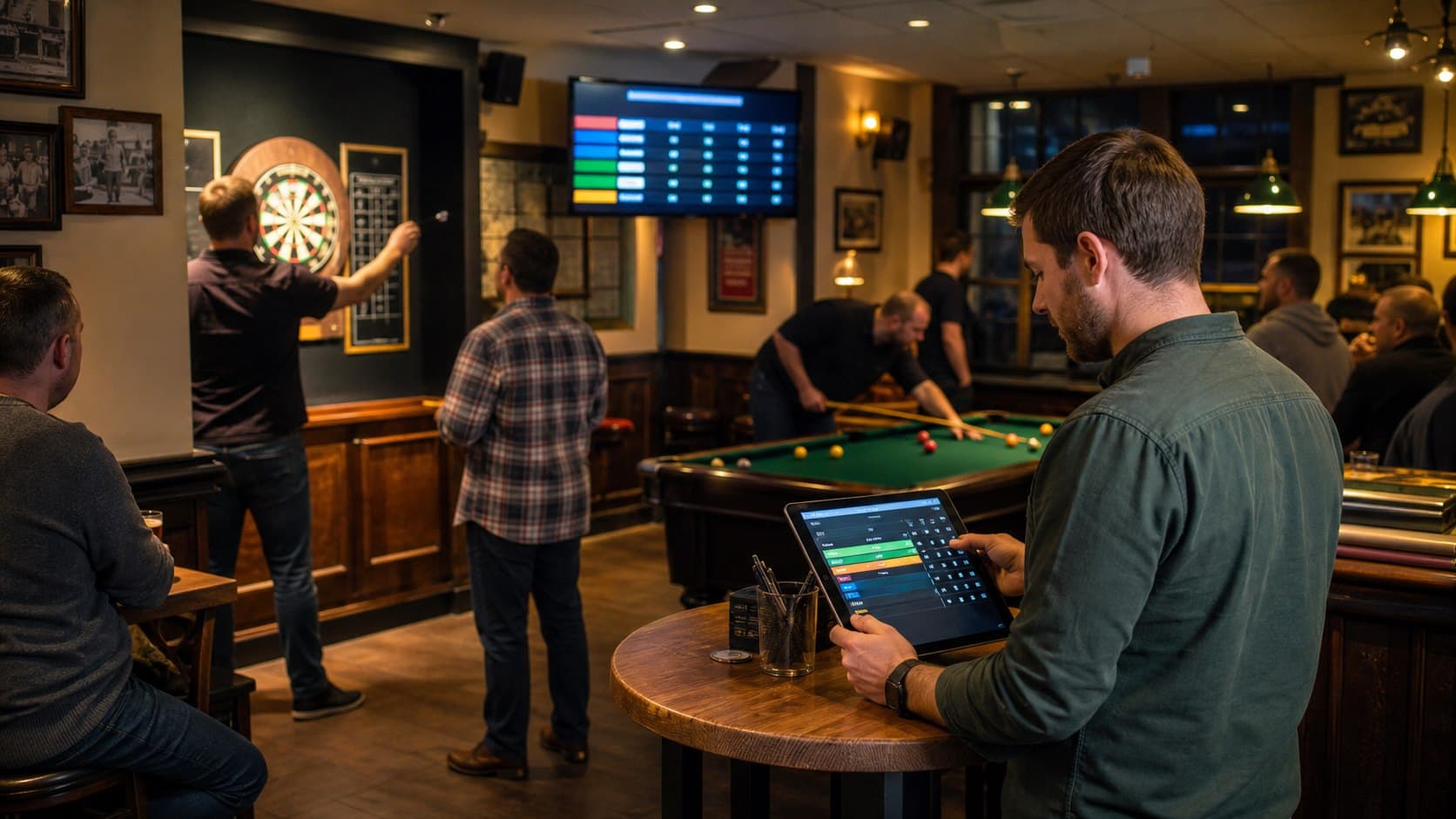
Pub darts competitions
PubPlay helps the host organize the people, draw and results around a darts night. It manages the competition rather than trying to replace the board or act as a throw-by-throw 501 calculator.
Organize the room
Instead of rebuilding player lists and draws on paper, the host keeps one event record on the Android tablet while competitors join from their own phones.
Open registration and display the event QR or join code. Players add their names in a phone browser, with no player app to install.
Use individual round robin, team round robin or knockout according to the darts competition you plan to run.
Record completed match results, update the competition and let players and spectators follow the current information on the pub TV.
Darts-night workflow
The host remains in control at each stage, including when registration closes and when a result is entered.
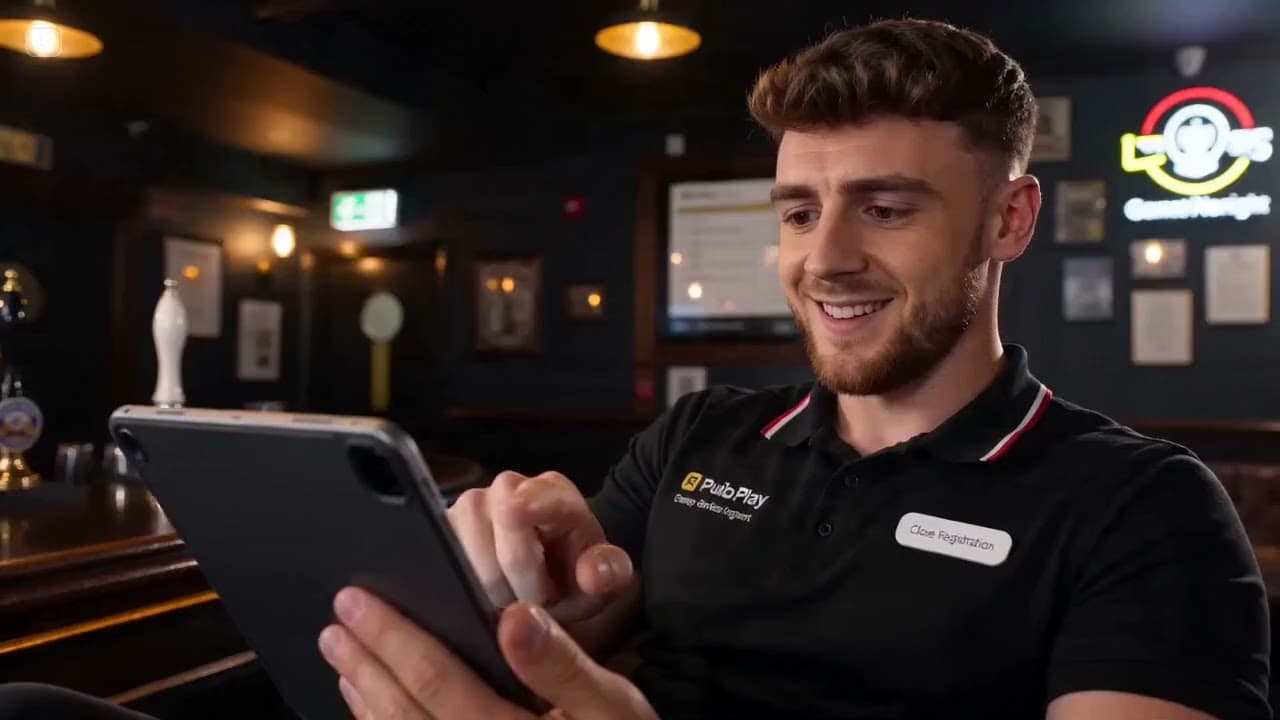
Name the night and select individual round robin, team round robin or knockout.
Show the QR or join code so competitors can register from a phone browser.
Close registration when the field is ready and generate the supported draw from the host tablet.
Enter the result of each completed darts match; PubPlay does not require throw-by-throw input.
Keep the draw, completed results and current standings visible through the browser TV display.
Competition manager, not a darts calculator
PubPlay focuses on organizing participants, fixtures, results and the shared room display. Staff continue to score each darts match using the rules and method their venue already follows.
PubPlay does not calculate 501 checkouts, busts, three-dart averages, 180s, doubles percentages, legs or sets.
Practical venue guide
Work through format choice, physical boards, rules, registration, result recording and the final announcement before choosing software.
Practical questions
Yes. PubPlay can generate a knockout bracket and progress supported winners as the host records results.
Yes. Individual round robin is supported, along with team round robin when competitors are organized into teams.
No. PubPlay manages registration, fixtures, match results and standings; it is not a throw-by-throw 501 scoring calculator.
Yes. Open the event's public browser display on a smart TV, streaming device or connected computer.
PubPlay for your venue