
Add players or teams
Let players register through the event QR code, then use an individual or supported team format for the competition.
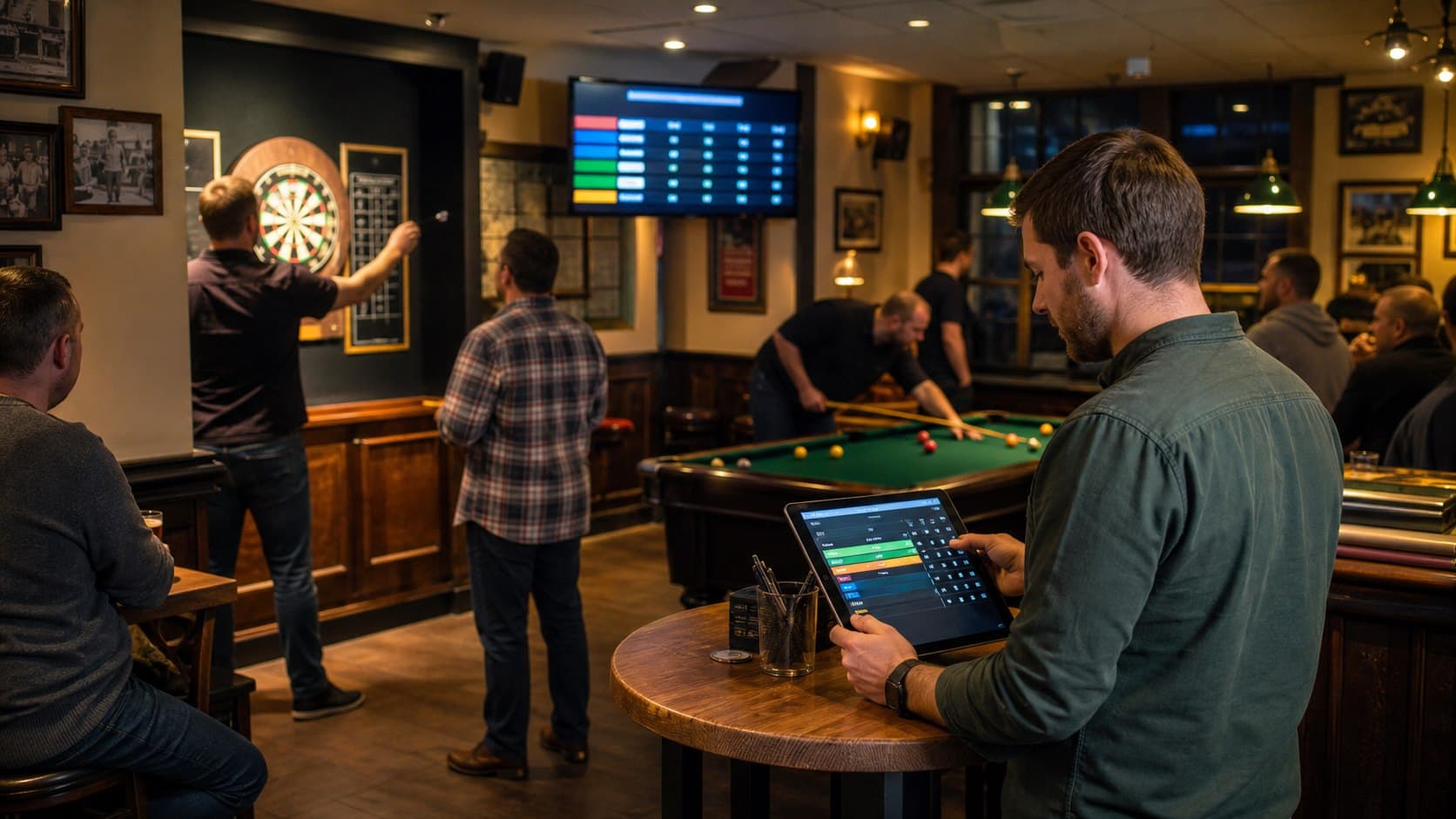
Pub and bar pool competitions
PubPlay gives venue staff a practical way to register competitors, organize a one-night pool competition and keep fixtures and results visible around the room.
Set up the competition
The host controls the event from an Android tablet, while players use a browser to join and the room follows the tournament on a public display.
Let players register through the event QR code, then use an individual or supported team format for the competition.
Choose a fixture structure that fits the number of competitors and the kind of pool night you want to run.
Record each finished match so competitors can see the latest results and what remains to be played.
Pool-tournament workflow
PubPlay organizes the tournament information while venue staff continue to manage the physical tables and apply their chosen pool rules.
Name the event and select individual round robin, team round robin or knockout.
Display the join QR or code and watch the participant list fill from player phones.
Lock the field when it is ready, then generate the supported fixtures or bracket.
Enter completed match results on the host tablet to update standings and remaining play.
Use the browser TV mode to give players and spectators a clear public view.
Focused event operations
PubPlay handles the event list, fixtures, host-entered results and public display. The venue decides which physical table to use and how each rack or match is played.
PubPlay does not assign tables, calculate handicaps, track racks, run league seasons, collect entry fees or send player notifications.
Practical venue guide
Prepare the game rules, physical tables, registration, fixtures, result process and final announcement before choosing software.
Practical questions
Yes. Hosts can create a knockout competition, generate its bracket and enter results as matches finish.
Yes. PubPlay supports individual round robin and team round robin formats.
Yes, team round robin is supported. It is separate from the individual round-robin and knockout formats.
Yes. Players can follow the public event information, and the venue can show the tournament on the browser TV display.
No. The same PubPlay venue account and host app can create separate pool, darts, quiz and other supported games nights.
PubPlay for your venue