
The host leads
Create and manage your own questions, open answering, lock submissions, score responses and reveal the answer from the tablet.
Interactive pub quiz and trivia
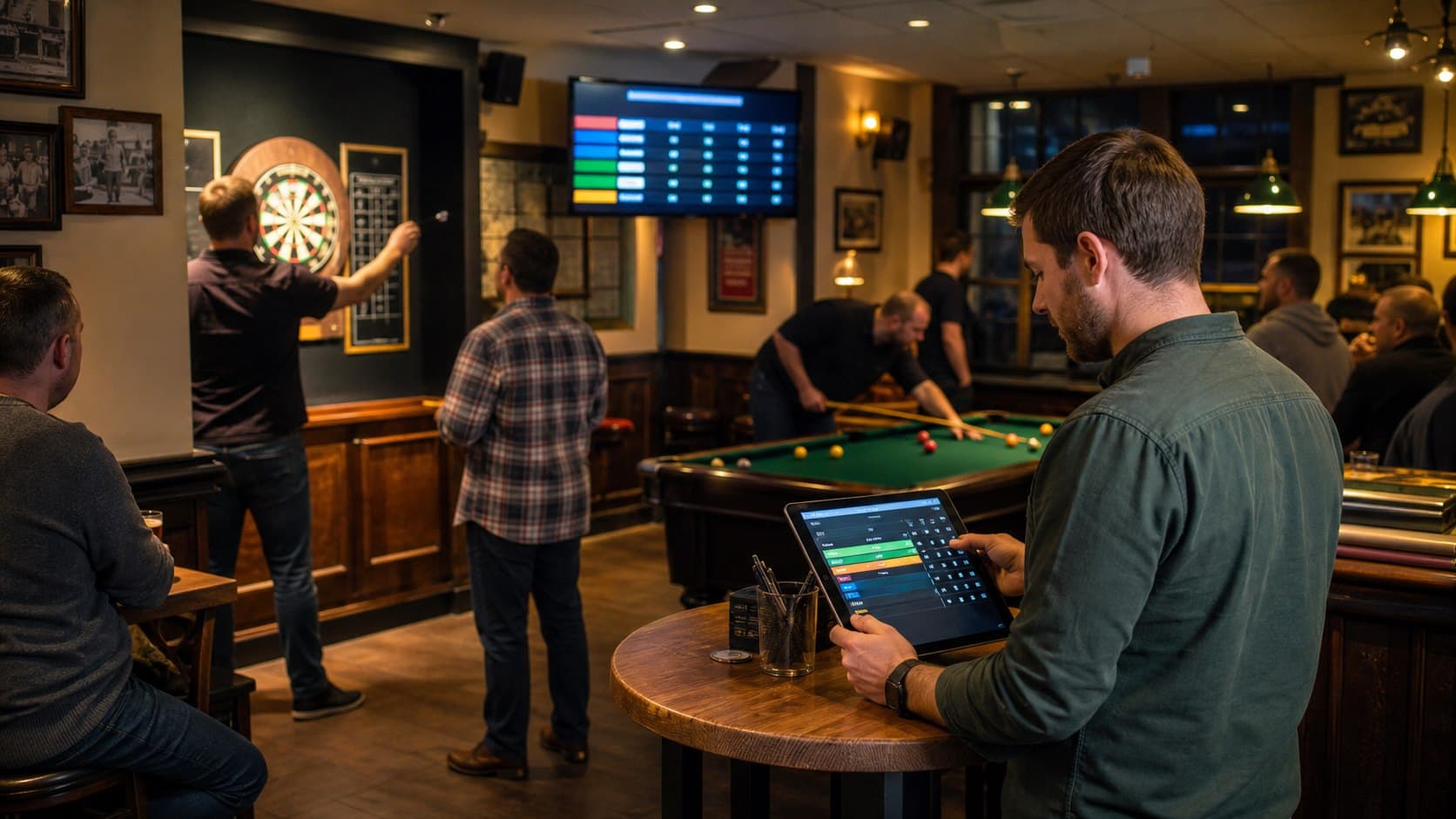
The host manages each question from the Android tablet, players submit answers in their phone browsers, and the pub TV keeps the room together through scoring and reveal.
Host, phones and TV
PubPlay connects the host's controls, the players' answer view and the public display without asking quiz teams to install the Android host app.
Create and manage your own questions, open answering, lock submissions, score responses and reveal the answer from the tablet.
Teams or players join through the event QR or code and submit an answer in the mobile browser for the active question.
Open the event's browser display on the pub TV so the live question, reveal and standings remain visible.
Interactive quiz workflow
The host decides when each stage moves forward, leaving room for announcements, discussion and the personality of a real pub quiz.
Supply the questions and answers you want to use and control them from the host app.
Display the QR or join code. Players register in a browser on their own phones.
Present the active question and allow each participating player or team to submit an answer.
Close submissions at the moment you choose so no further answers can be changed or added.
Review and score the submitted answers, then reveal the correct answer and update the standings.
Keep the shared question and results view visible through a browser-connected pub TV.
Your quiz, digitally coordinated
The product is designed for a host-led quiz. It gives the room a connected answer, scoring and display workflow without claiming to write or automatically judge the quiz for you.
PubPlay does not generate questions with AI, include a large question library or automatically fuzzy-mark written answers.
Practical venue guide
Prepare teams, questions, rounds, equipment, scoring, tie-breaks and clear phone-use rules with the practical venue guide.
Practical questions
No. The Android app is for the host. Players join and submit answers through a browser on their phones.
Yes. Players or teams submit an answer for the active question in the PubPlay browser experience.
Yes. PubPlay's trivia flow is host managed, so the host supplies and controls the questions and answers.
No. PubPlay coordinates joining, phone answers, locking, host scoring, reveal and standings; it does not generate the quiz content.
Yes. The public browser display can show the live quiz state and results on a connected TV.
Yes. Quiz is one event type in the same multi-game venue system used for darts, pool and other supported games.
PubPlay for your venue