
Before play
Create the event, choose the game and format, and display a joining QR code to the room.
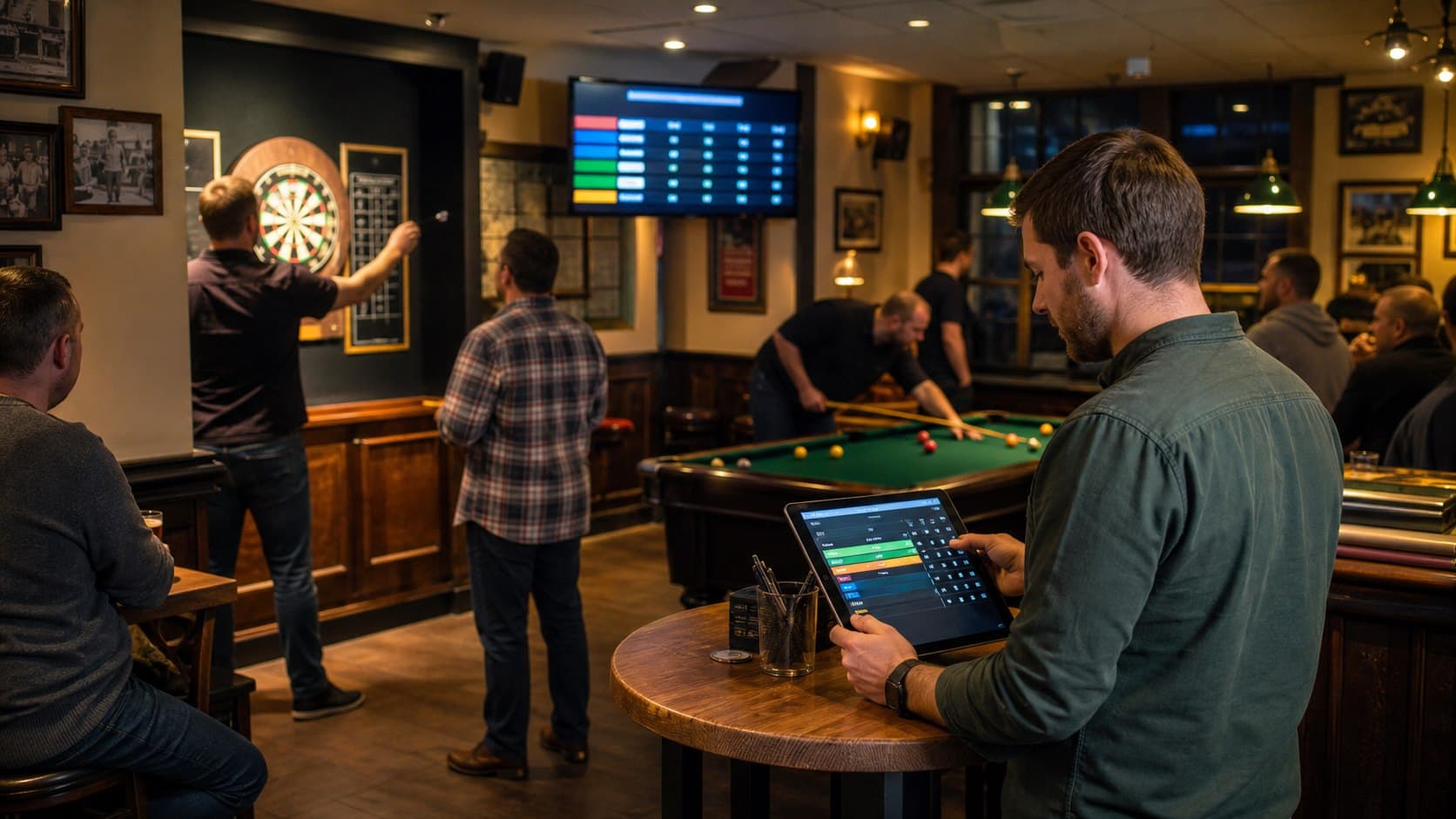
Complete games-night workflow
PubPlay connects the jobs before, during and after a games night so the host, players and spectators are working from the same event information.
A calmer host desk
The host needs to know who has joined, which format is running, what has finished and what comes next. PubPlay puts that sequence on the Android tablet instead of spreading it across paper sheets and repeated announcements.
Create the event, choose the game and format, and display a joining QR code to the room.
Manage the participant list, fixtures, match results, scores and standings from the host view.
Finish the event deliberately and retain the completed night in the venue archive for later reference.
Five connected stages
Each stage has a clear place in the system, while staff keep control of when registration closes and when results are final.
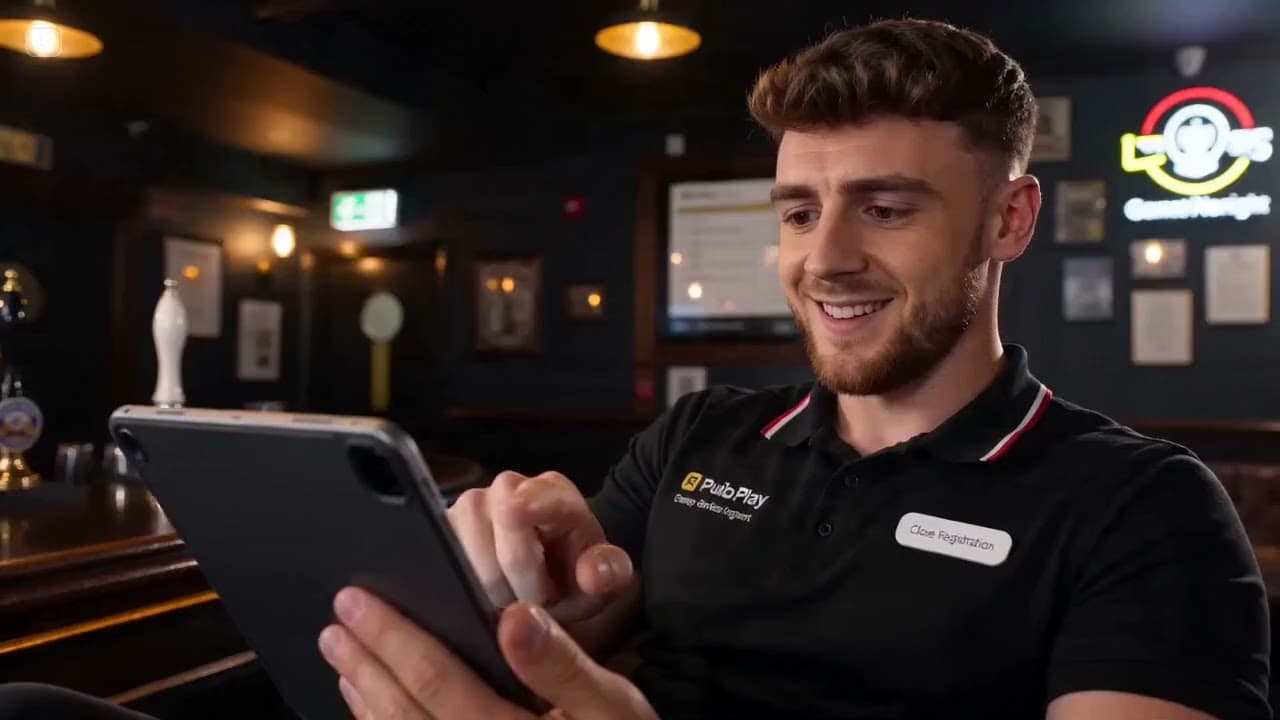
Choose the game, give the event a recognizable name and select its competition format.
Players scan the displayed QR code or enter the join code in their phone browser. They do not install the host app.
Generate the appropriate individual, team or knockout fixtures, or open the selected high-score or trivia flow.
The host records completed play so the standings and remaining matches stay current.
Open the browser display on a connected TV or projector to show the room live event information.
After last orders
Finished games nights move into the event archive instead of disappearing with a paper score sheet. Venue staff can browse past events and participation information when they need to review what was run.
Practical questions
Yes. The host controls registration and can stop additional joining before the competition is generated or underway.
The venue opens the event's TV view in a browser on a smart TV, streaming device or connected computer.
Yes. Completed events are available through the venue archive for later viewing.
PubPlay for your venue