
Choose the game
Set up darts, pool, quiz, bingo, dominoes, cribbage, skittles, shuffleboard, table football or a custom game name used by your venue.
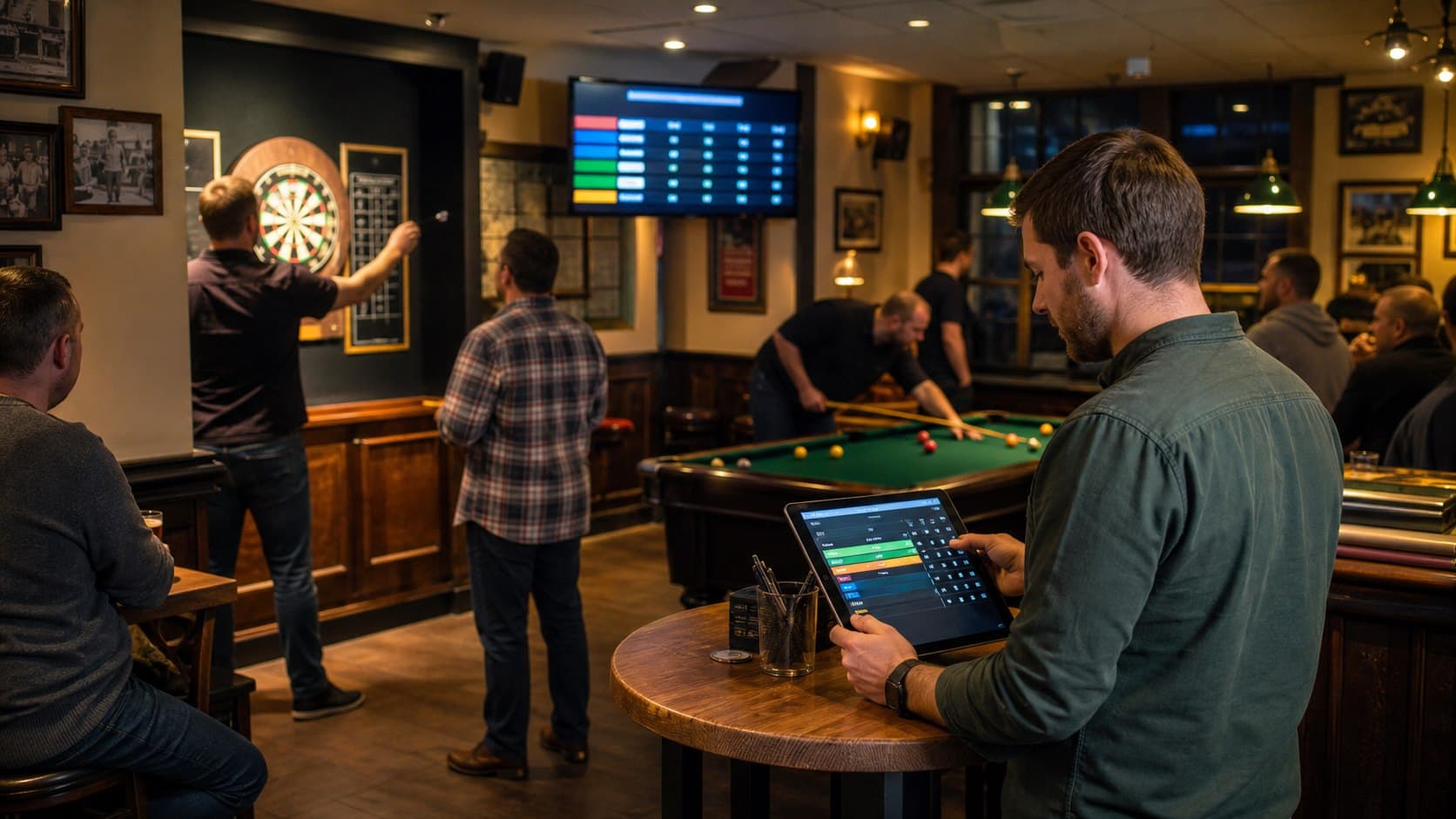
Multi-game venue operations
PubPlay gives staff one Android host app for organizing the different games a venue already runs, while players join from their phones and the room follows progress on a TV.
One operating system
A darts night, dominoes competition and table-football event may use different house rules, but staff still need to register people, organize play, capture results and show what happens next. PubPlay keeps those operational jobs together.
Set up darts, pool, quiz, bingo, dominoes, cribbage, skittles, shuffleboard, table football or a custom game name used by your venue.
Run an individual or team round robin, a knockout competition, a high-score event or interactive trivia, depending on the night you are hosting.
The host tablet remains the control point while player phones and the browser TV display provide the views people need during the event.
From setup to standings
PubPlay replaces disconnected lists and score notes with a shared event record that staff can operate in real time.
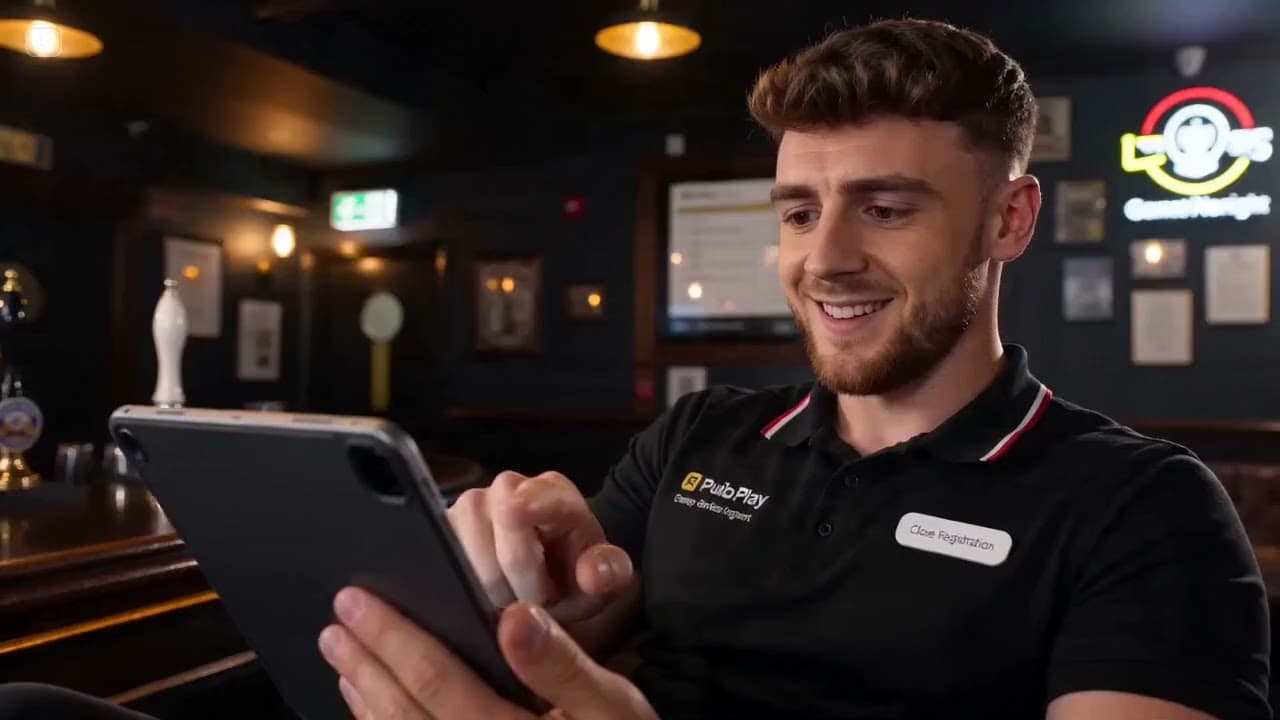
Name the night, select its game type and choose the competition format that fits.
Open registration and let players use a QR code or join code from their phone browser.
Generate fixtures where the chosen format uses them, then record scores or trivia results from the host app.
Keep standings, results and the next matches visible through the live browser TV display.
Games and formats
PubPlay separates the game being played from the way the event is organized. That lets a venue reuse familiar competition structures without claiming specialized rules or scoring automation for every traditional game.
Staff remain responsible for the game rules and for entering the correct scores or decisions.
Practical questions
No. PubPlay provides game-night and competition structures. Staff choose the appropriate format and enter results according to the rules used by their venue.
Yes. The Custom game option lets the host use the name recognized by the venue and its players.
No. The Android app is for the host. Players join the event in a phone browser using the QR code or join code.
PubPlay for your venue