
The short answer
The seven essentials of a well-run games night
A successful pub games night needs:
- The right game for the venue. Match the activity to your space, equipment and customers.
- A clear event format. Decide whether people play multiple opponents, face elimination or submit a score.
- A straightforward way to join. Make sign-up easy and close it at a clearly announced time.
- Understandable rules. State how play, ties, disputes and progression work before the first match.
- Organized fixtures or scoring. Give the host one reliable record of what has happened.
- Visible progress. Tell players what is happening, who plays next and where results stand.
- Consistent scheduling and promotion. Give customers enough notice and a predictable event to plan around.
Choose a game that fits the room
Start with what the venue can support comfortably. Darts and pool need suitable equipment and enough clear space around play. A quiz can involve more tables but needs a host who can hold the room. Bingo, dominoes, cribbage, skittles, shuffleboard and table football each create a different pace and level of spectator interest.
Consider the equipment already available, likely participant count, whether people play individually or in teams, the approximate duration and whether customers who are not playing can still follow. A custom game can work well when the rules and scoring method are easy to explain.
Browse the games supported by PubPlay after deciding which activity best suits the venue.
Choose the event format separately
Round robin
Participants play multiple opponents. It suits nights where repeated participation matters more than quick elimination.
Team round robin
Named teams play each other once. Confirm team names and membership before fixtures are created.
Knockout
Each result advances a winner and removes a competitor. It gives the event a simple route to a final.
High score
Entries receive a comparable cumulative score rather than head-to-head fixtures. Use it only where the activity suits that model.
Trivia
A host presents questions, participants answer and scores accumulate across the quiz.
PubPlay supports these models where appropriate. It does not provide double elimination, Swiss tournaments, ladder leagues or season management. Compare round robin and knockout when choosing between repeated participation and a shorter elimination event.
Make joining and rules easy to understand
A paper list, advance booking or sign-up at the host desk can all work. Choose the method staff can operate accurately. Set a closing time, remove duplicate entries and confirm team names before generating fixtures.
Explain the game rules, match or round structure, tie process, score responsibility and any prize before play. Keep the explanation short enough to hear and repeat the critical points in writing where useful.
Keep players and spectators informed
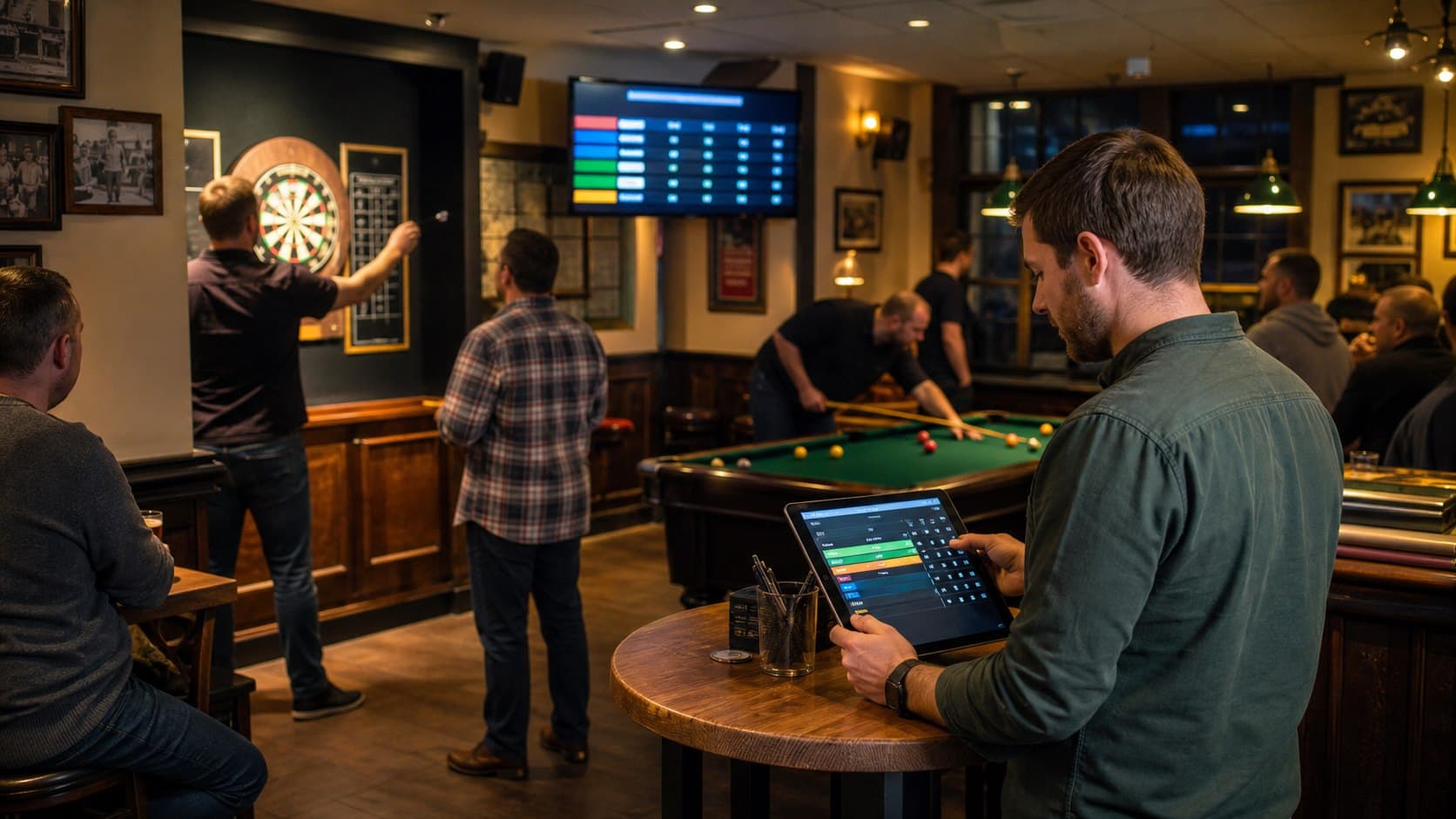
Participants need to know what is happening, who plays next, which results are final and how the standings look. Announcements and a visible paper board may be enough for a small event. Larger or faster-moving nights benefit from one current public view.
PubPlay can show joining, fixtures, results, standings or trivia progress through a browser display on a TV, projector or connected computer. A TV is optional; it is a communication aid, not a requirement for running the night.
Make a recurring night predictable
Many pubs schedule quizzes, games and community events on quieter weekdays. A regular games night gives customers a predictable event they can plan around, but it does not guarantee a commercial result.
Use a consistent day and start time where possible, announce the format in advance and record what caused delays or confusion. Change one operational detail at a time so staff can tell whether it improved the next event.
Pub games night checklist
A practical run sheet
Before announcing
- Choose the game
- Choose the date and time
- Decide the format
- Confirm physical equipment
- Set the rules
- Decide any prize
Before participants arrive
- Prepare the event
- Test any public display
- Check the network if needed
- Brief staff
- Prepare joining instructions
During the event
- Register participants
- Explain rules
- Keep results current
- Communicate progression
- Keep the display visible if used
After the event
- Announce the result
- Archive the event where supported
- Choose the next date
- Note operational improvements