
The short answer
Decide the physical game before building the tournament
- Choose the Pool game and house or competition rules.
- Select a tournament format that fits the available time.
- Confirm how many usable tables can host simultaneous matches.
- Register players or teams and close the field clearly.
- Create one official fixture and result process.
- Keep progression visible and announce the final winner.
Choose the Pool game and publish the rules
Decide which discipline and rules the event will use. Eight-ball and nine-ball are examples, but rules vary by region, organization and venue. PubPlay does not enforce Pool-specific rules, so the organizer remains responsible for choosing and explaining them.
Set the match length or race where applicable, break procedure, fouls, tie or dispute handling, progression and final format before play. Name the person whose decision is final if players disagree.
Choose round robin, team round robin or knockout
Individual round robin
Each player meets every other player once. It offers repeated play but the match count grows quickly.
Team round robin
Teams meet across a complete schedule. Define membership and how each team result is decided.
Knockout
A losing participant leaves the competition and the winner advances towards the final.
Use the round robin versus knockout comparison to judge participation, match count and time. PubPlay does not currently support double elimination.
Plan around the tables the venue actually has
Count usable tables, check their condition and decide how many matches can run safely at the same time. Consider cues, balls, lighting, movement around each table and whether other customers still need access to the room.
Estimate match duration from your chosen game and local experience, then allow time for calling players and recording results. PubPlay does not assign physical Pool tables or automatically schedule table availability.
Register the field, then create the fixtures
Manual sign-up, advance booking and a digital join flow can all work. Check names and team membership, remove duplicates, explain any participation limit and close registration before creating the competition.
With PubPlay, players join in a phone browser using the event QR or code. The host can then generate the supported round-robin fixtures or knockout bracket. PubPlay does not assign tables, referees or send player SMS or push notifications.
Play physically and maintain one official result record
Competitors play on the venue's tables under the announced rules. Call each match through the venue's chosen process, then enter the completed result against the correct players or teams and confirm it before moving on.
PubPlay manages event structure and host-entered results. It does not track shots or racks, detect fouls, calculate handicaps, provide cue-sport statistics or integrate with FargoRate.
Keep the room informed and close the competition clearly
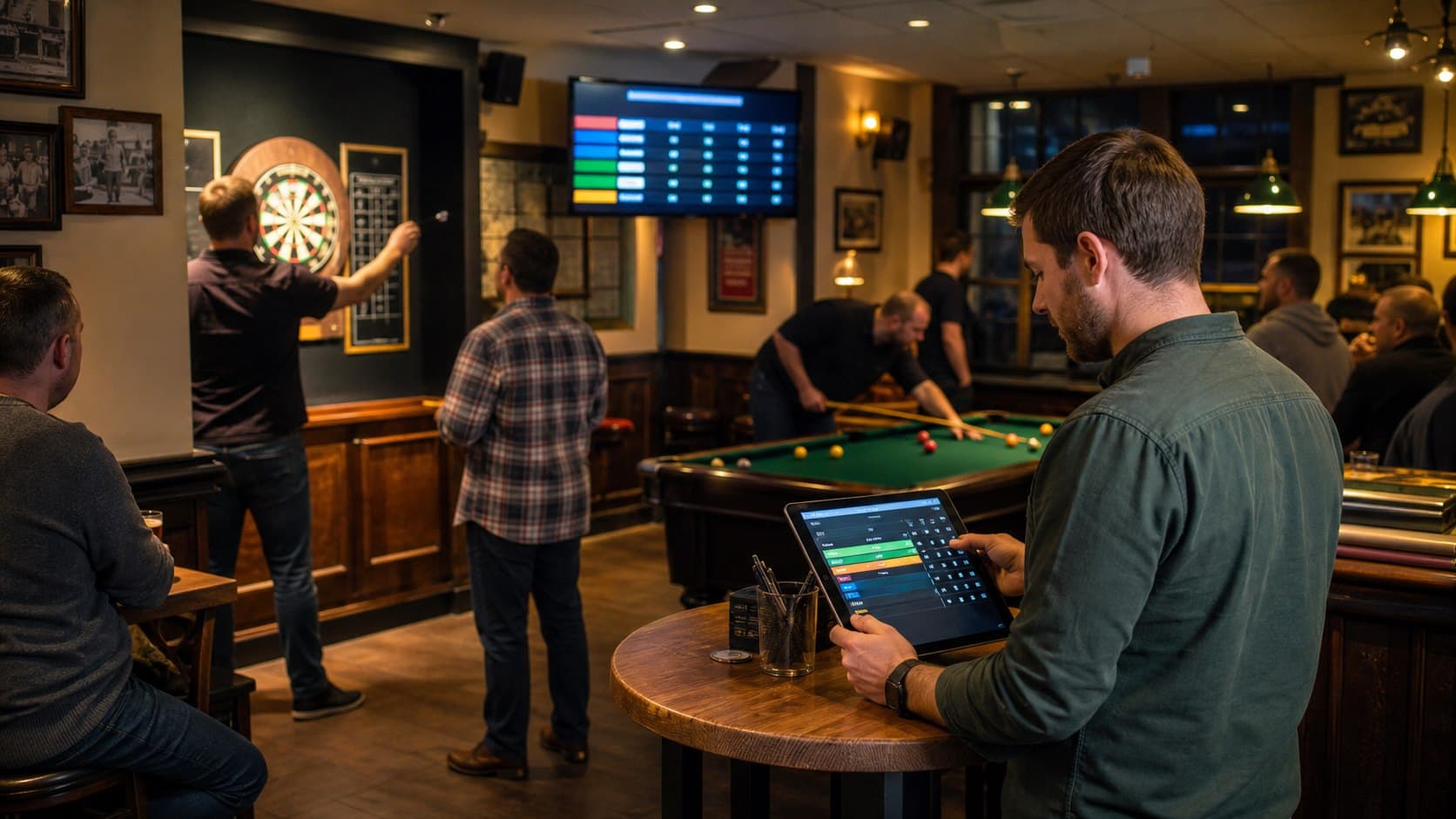
Players need to know which fixtures are complete, what comes next and which results are official. Announcements or a written board may suit a small event. PubPlay can show current fixtures, results and standings or bracket progression on a browser-connected TV; it does not automatically call players to tables.
Check the final result, announce the winner, finish the event and retain the archive where supported. The archive records the night; it is not a permanent Pool ranking or season-management system.
For the wider competition workflow, review PubPlay tournament software.
Pool tournament checklist
Prepare the room and competition
Before the event
- Choose the Pool game
- Write the rules
- Choose the format
- Check tables and equipment
- Set a participant limit
- Communicate the start time
Before play
- Register players or teams
- Close and check the field
- Prepare the tournament
- Explain disputes and result entry
- Test the display if used
During
- Call matches consistently
- Keep results current
- Communicate next fixtures
- Resolve rules consistently
- Keep progression visible
Finish
- Check the final result
- Confirm the winner
- Announce the outcome
- Archive where supported
- Note improvements